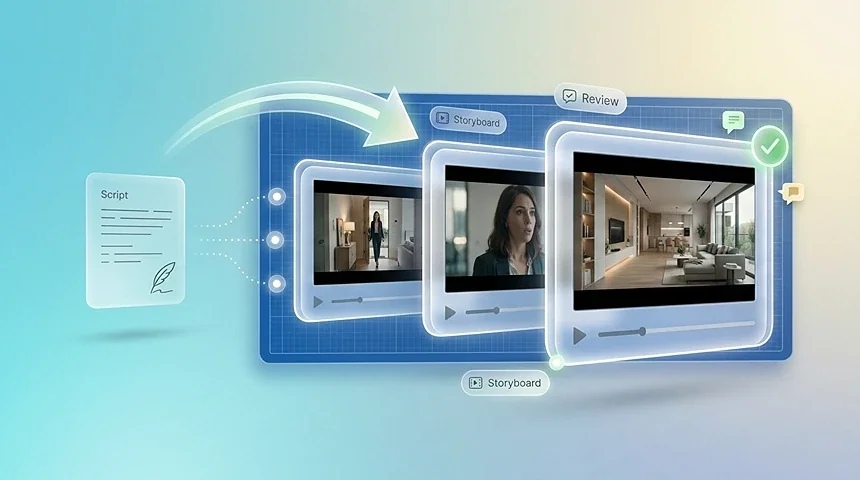
Visual Blueprint
Script In, Storyboard Out
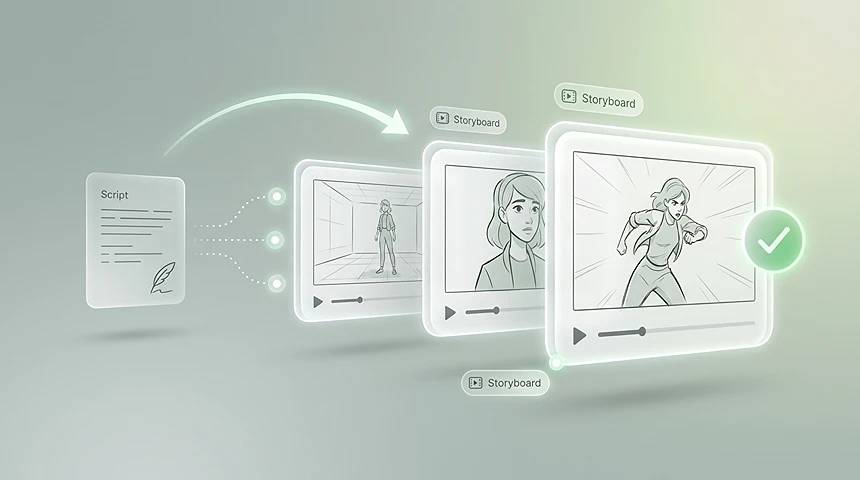
Paste a script or describe a rough scene and the generator returns storyboard frames shot by shot. Each panel gives you a visual to review before you record.
Turn Your Script or Idea into Shot-by-Shot Frames
Turn a story idea, scene description, or script excerpt into a visual storyboard with AI. Explore camera framing, shot sequences, and visual direction before you start filming or producing video.
Add a reference image, choose your aspect ratio, and generate storyboard frames for films, commercials, music videos, animation, and social content.
AI Storyboard
Your story
0/500Reference image
Aspect ratio
OVERVIEW
An AI storyboard generator is a tool that turns written scenes, scripts, or creative ideas into a sequence of visual frames. Each frame represents a planned shot, helping creators explore composition, action, camera perspective, and story flow before production begins. Instead of drawing every panel manually, you can describe a scene and use AI to create an initial visual direction.
Topview's AI Storyboard Generator lets you begin with text, add an optional reference image, and select an aspect ratio for your project. The resulting storyboard provides a visual starting point for creative reviews, shot planning, client discussions, and video production.
Convert an idea or short script into a visual sequence that helps communicate the scene.
Review possible camera angles, framing, character positions, and key actions before filming.
Add a visual reference to communicate a character, environment, mood, or style.
Use storyboard frames to discuss the visual direction before committing to a shoot or a longer production workflow.
WORKFLOW
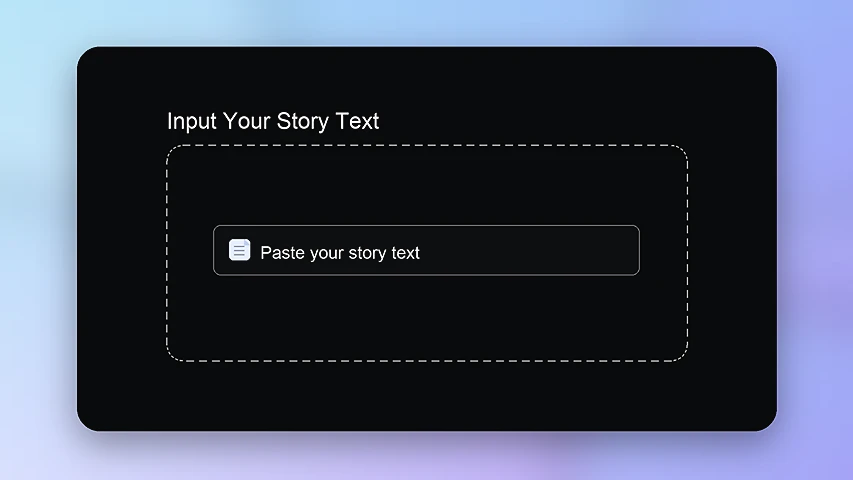
Start with a clear description of the scene you want to visualize. Include the characters, setting, main action, and important story moment. A short, focused description is often easier to review than several unrelated scenes in one prompt.
Example Input:
A detective enters an empty subway station at midnight. She notices a briefcase on the platform. As she approaches it, a shadow moves behind a pillar.
Upload an optional visual reference to help communicate the intended appearance, setting, or art direction. A reference image can be useful when you have a recognizable character, a specific location, or a visual style in mind. Select the frame shape that suits your project.
16:9 — Landscape
Suitable for horizontal video concepts, film scenes, presentations, and conventional online video.
9:16 — Portrait
Suitable for vertical social videos, mobile-first content, and vertical narrative scenes.
1:1 — Square
Suitable for square-format campaigns, social content, and visual concept presentations.
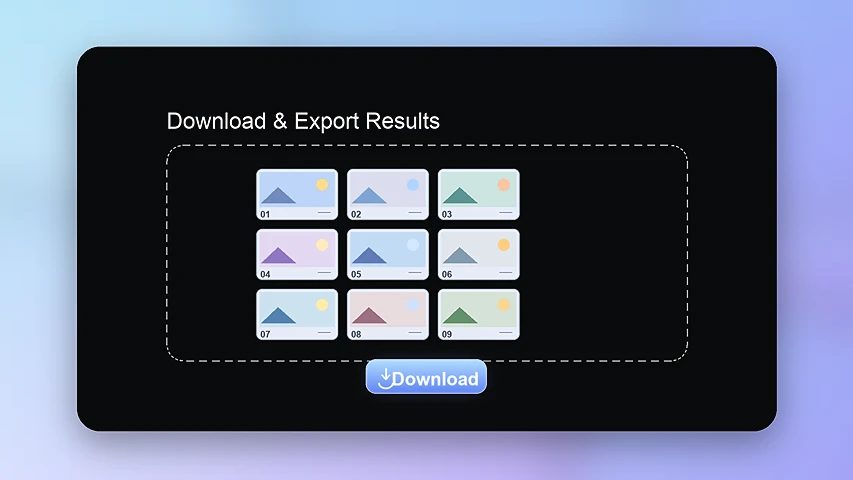
Click Generate Storyboard to create your first visual draft. Review the sequence and check whether the important actions, compositions, and transitions communicate the story you intended. Use the available refinement options in your workspace when you want to explore a different visual direction.
Real Storyboard Example
See how a written story concept and visual reference can be used to develop a multi-panel storyboard.
Story Input
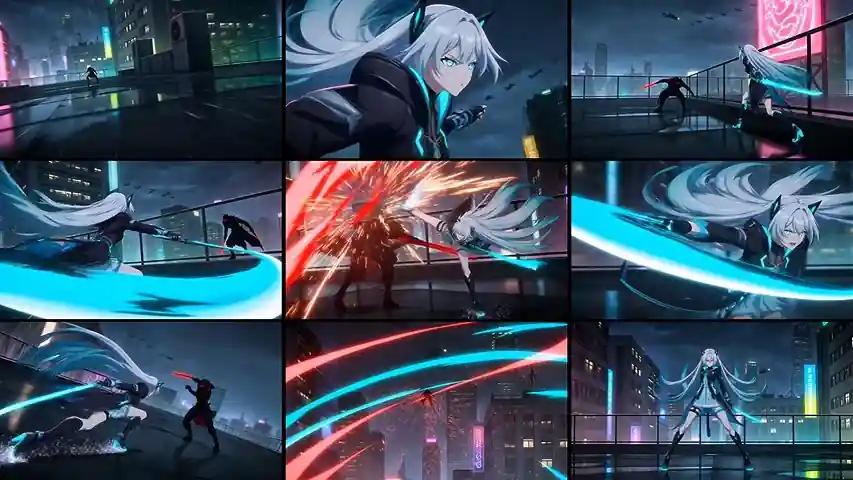
A futuristic heroine confronts a dangerous rival in a neon-lit city. Their glowing weapons illuminate the night as the confrontation builds toward a decisive clash.
Visual Reference
A cyberpunk character image helps establish the visual direction, including the heroine's appearance, color palette, and futuristic setting.
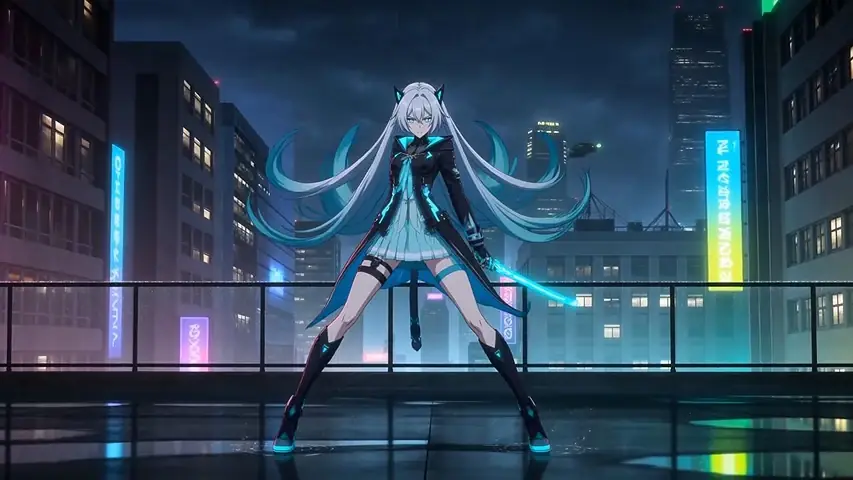
Storyboard Output
The generated storyboard presents the concept as a sequence of visual frames. Review how the panels communicate the environment, character positioning, action, and movement of the scene.
1. Shot Variety
Does the sequence offer a useful combination of establishing views, character shots, and action details?
2. Visual Direction
Do the frames communicate the intended atmosphere, lighting, and overall style?
3. Action Clarity
Can someone follow the important action by looking at the frames in sequence?
4. Scene Continuity
Do the characters, environment, and important objects remain recognizable from one frame to the next?
The purpose of a storyboard is not to make every creative decision final. It gives you a visual draft that you can evaluate before moving into production.
USE CASES
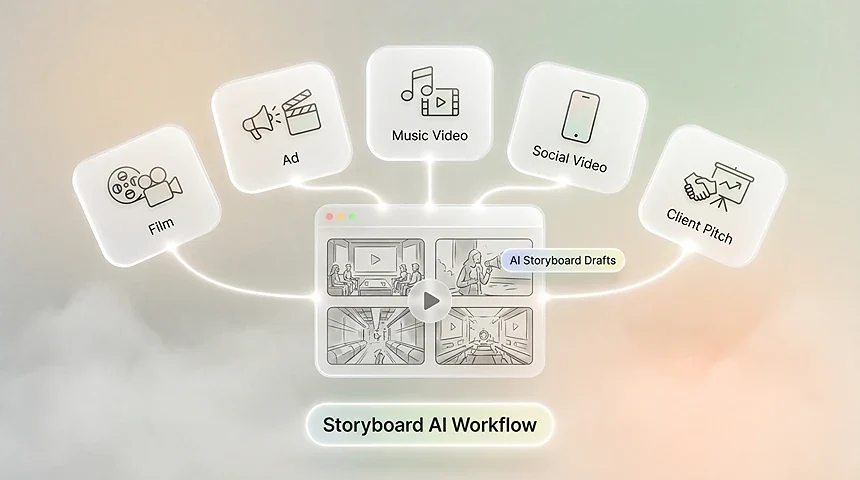
AI storyboarding can help plan many types of visual content, from narrative films and commercials to music videos, animation, and short-form social stories. The same underlying process applies across formats: define the scene, visualize the important shots, and review their order before production.
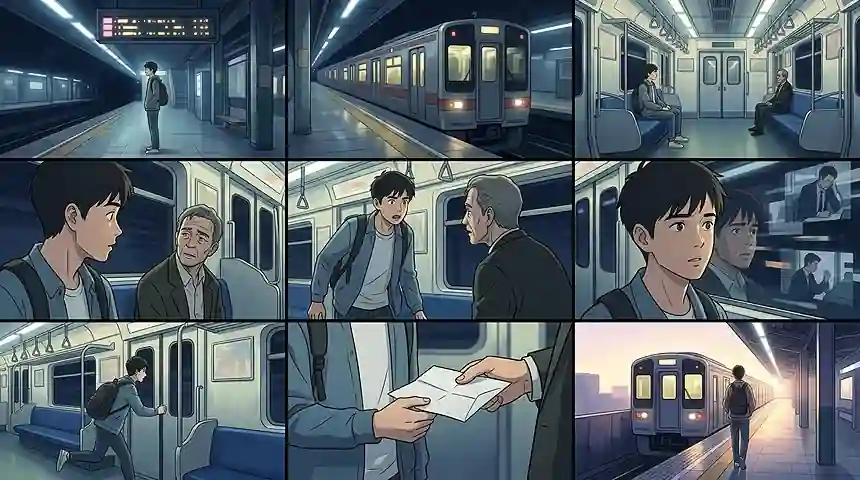
Plan Film Scenes Before the Camera Rolls
Turn a screenplay excerpt or dramatic scene into visual panels. Explore establishing shots, close-ups, reaction shots, and changes in camera perspective before organizing a film shoot. A storyboard can help directors, cinematographers, and editors discuss how a scene should unfold.
Suggested Prompt:
A lone traveler walks into an abandoned train station at sunrise. Begin with an exterior establishing shot, then show the empty platform and a close-up of the traveler's reaction to a distant sound.
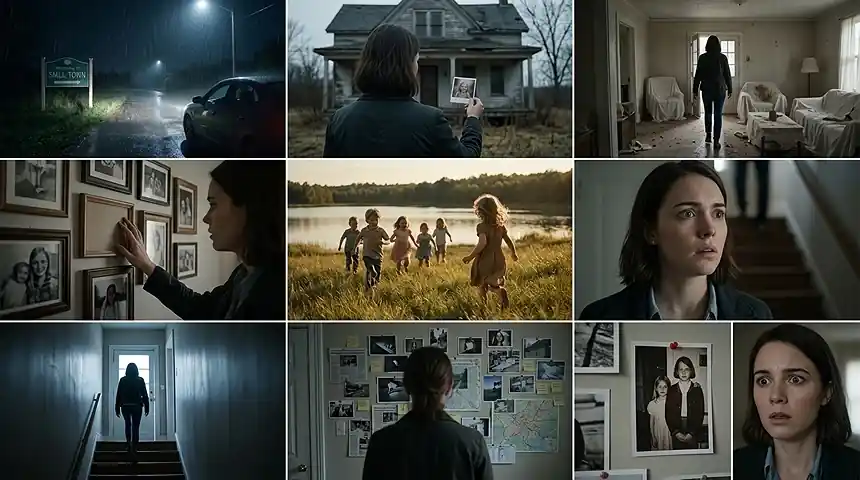
Make Your Advertising Concept Easier to Present
Turn a product brief or commercial script into visual scenes that communicate the opening hook, product demonstration, and closing brand moment. Storyboards give clients and creative teams something concrete to review before filming.
Suggested Prompt:
A premium coffee maker sits in a bright modern kitchen. Start with the product silhouette, move to a close-up of coffee pouring into a glass, and finish with the product on the countertop.
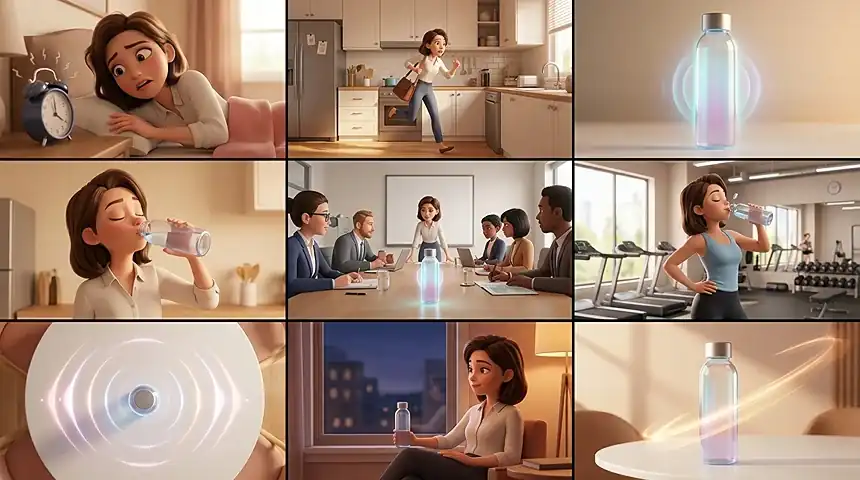
Plan Animated Scenes Before Production
Use AI-generated frames to explore the visual structure of an animated sequence. Plan character actions, changes in camera perspective, and important transitions before creating the final animated scene.
Suggested Prompt:
A small robot discovers a glowing seed in a ruined greenhouse. Show the discovery, the robot's reaction, and the moment the seed begins to grow.
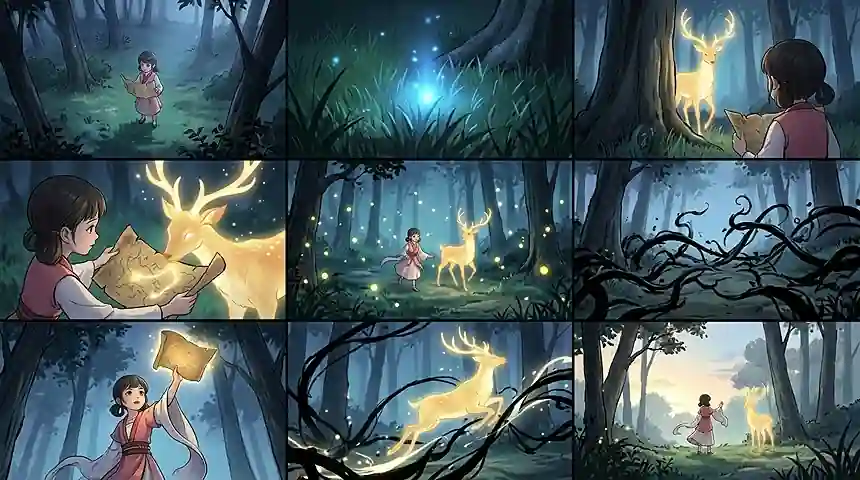
Visualize Video Concepts and Transitions
Map out short-form spots, product demos, and internal training videos so stakeholders approve the story, not just the script. When the board is clear, the shoot day runs on decisions that were already made.
Suggested Prompt:
Open on a creator holding a product to camera in bright daylight, cut to three quick detail shots of texture and packaging, then end on a vertical end-card with the brand logo and a clear call to action.
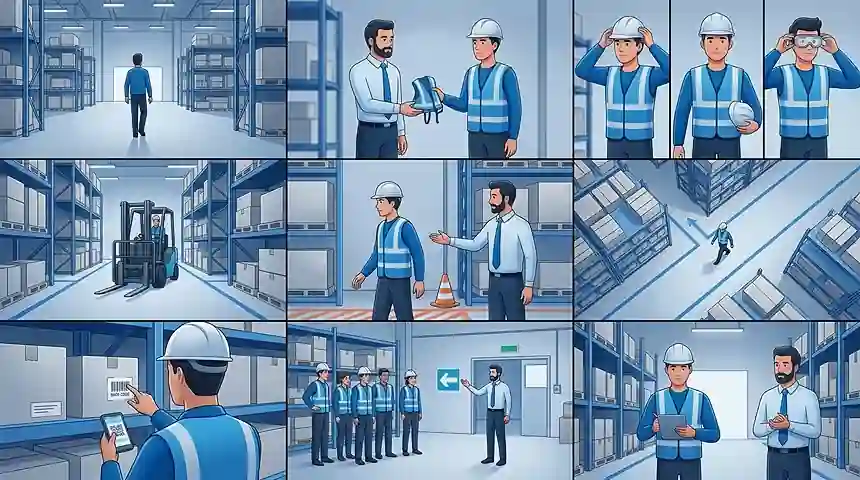
Make Complex Video Ideas Easier to Explain
Outline explainer videos, company stories, internal training videos, product education, and presentation content. A storyboard helps business teams review the message, structure, and visual flow before production.
Suggested Prompt:
Begin with a wide shot of a modern office lobby, move to a medium interview framing of an employee explaining a workflow, then show a simple screen-capture style panel that visualizes the three-step process being described.
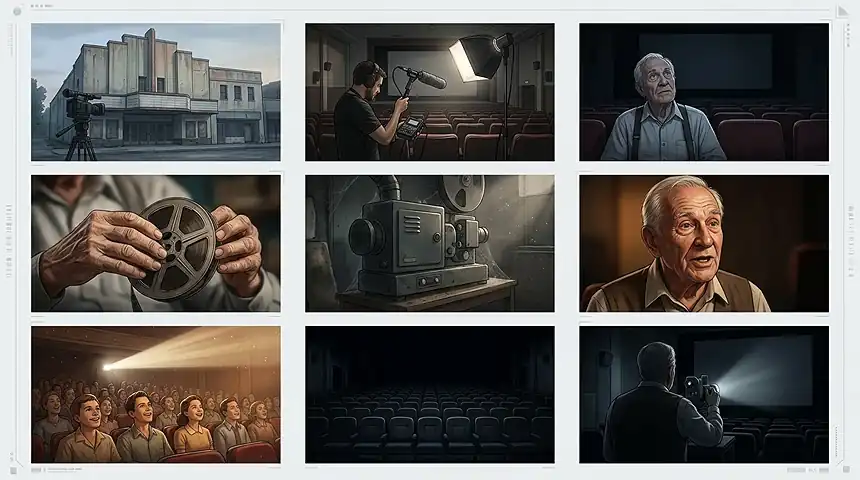
Create Visual Plans for Content
Plan documentary openings, interview setups, reenactment scenes, b-roll ideas, and visual transitions. A visual storyboard helps teams discuss what needs to be shown before filming, animation, or editing begins.
Suggested Prompt:
Open with an establishing shot of a quiet coastal town at dawn, cut to an interview close-up of a local resident, then insert b-roll of weathered boats and handwritten letters that support the spoken story.
Continue the Production Workflow
Once your shot plan is clear, move into Topview studios built for longer narrative and film workflows.
Drama Studio
Turn approved storyboard beats into multi-scene drama episodes with consistent characters and pacing.
Film Studio
Carry cinematic framing from your board into longer film-style sequences and scene production.
AI Short Drama Generator
Expand short storyboard concepts into vertical short-drama cuts ready for social distribution.
A useful storyboard communicates not only what appears in a scene but also how the scene should be shown. When reviewing your AI-generated frames, consider the following visual decisions.
Show the location and help the viewer understand where the action takes place.
Communicate character positions, movement, and relationships within the space.
Emphasize facial expressions, important objects, and emotional changes.
Consider how a high angle, low angle, or over-the-shoulder view affects the meaning of a shot.
Think about how the viewer's attention moves from one frame to the next.
Use shadows, color, and environmental details to communicate the intended tone.
These elements make a storyboard more useful for production planning than a collection of unrelated attractive images.
WHY CHOOSE THIS TOOL
Turn early ideas into a shared visual plan — explore shots, keep scenes cohesive, and align your team before production starts.
Visual Blueprint
Paste a script or describe a rough scene and the generator returns storyboard frames shot by shot. Each panel gives you a visual to review before you record.
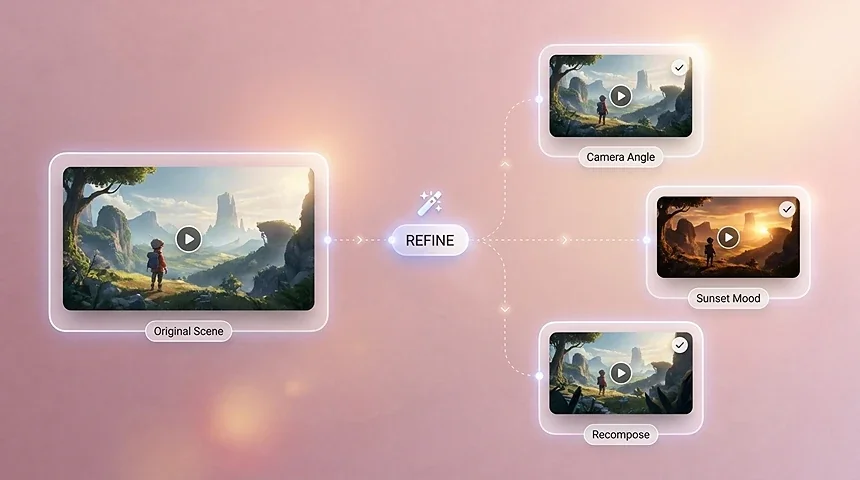
Fast Iteration
Describe the action in plain words and the AI turns it into a storyboard frame. You never open a drawing app or stare at an empty template.
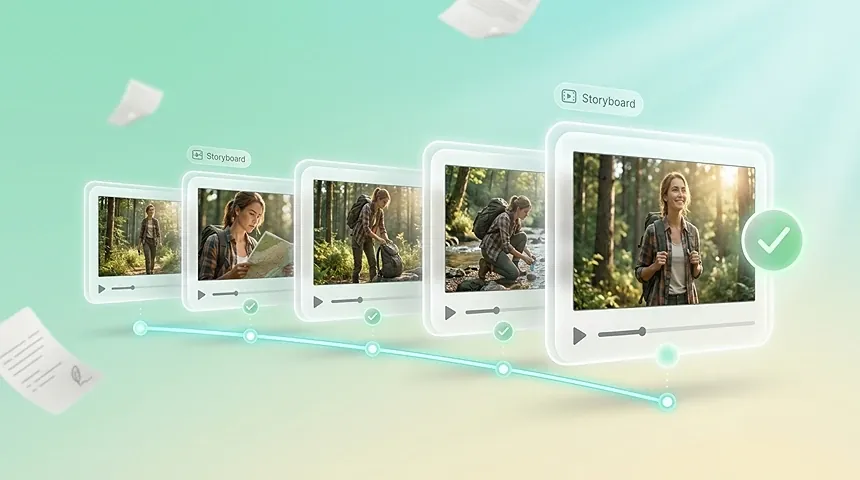
Visual Consistency
Walk into production knowing what each frame should look like. A visual storyboard keeps the crew aligned and cuts costly guesswork on set.
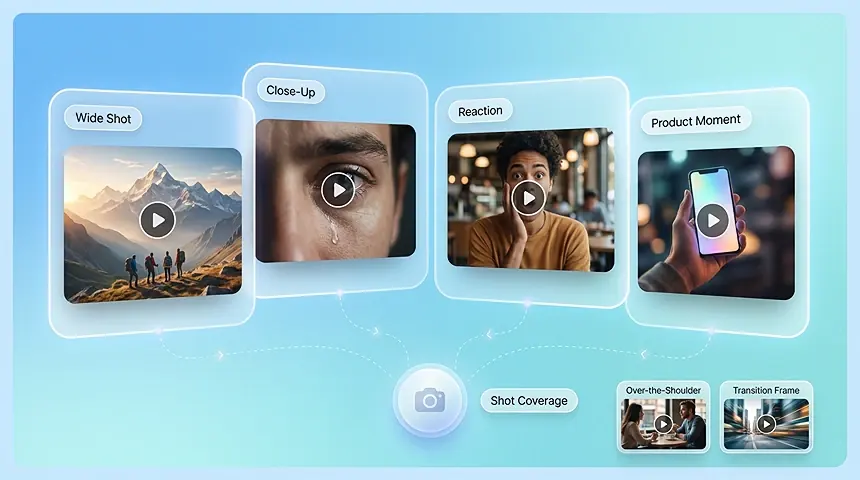
Shot Coverage
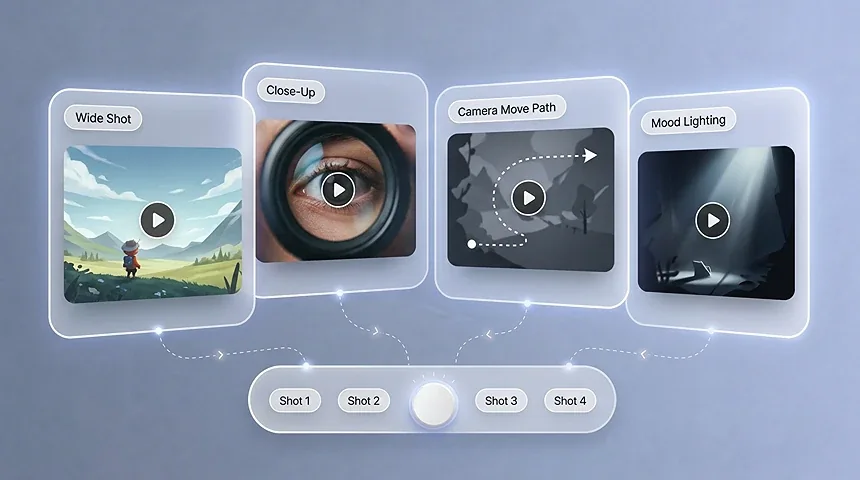
Plan close-ups, wide shots, establishing shots, reaction shots, product moments, and transition frames before committing to a production direction.
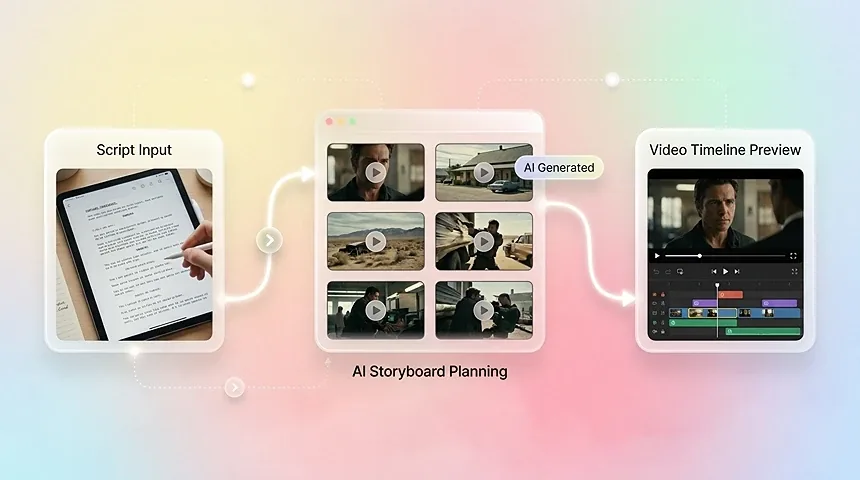
Video Pipeline
Use the board as a bridge between the script and the final video. Storyboard frames can guide AI video prompts, editing order, scene timing, and production feedback. When the cut is ready for on-screen text, continue with an AI subtitle generator so captions match the shots you already planned.
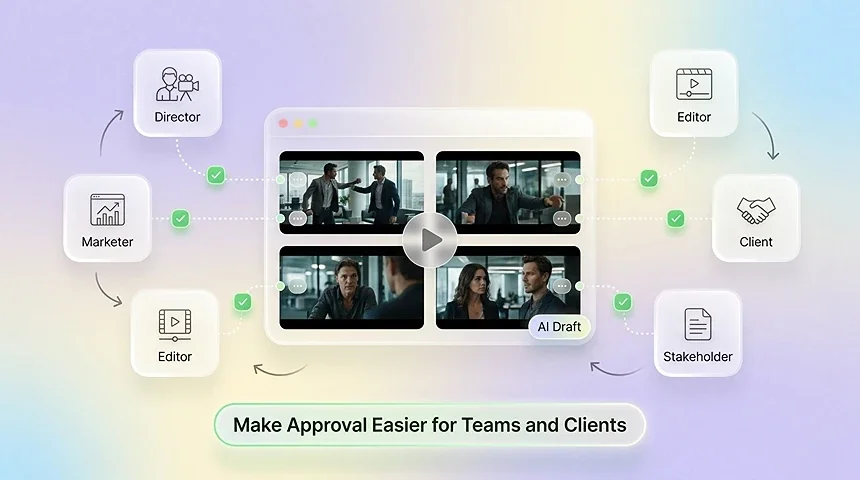
Team Alignment
Use storyboard drafts to align directors, marketers, editors, clients, and stakeholders before work moves into production. A shared visual plan makes feedback more concrete.
A good AI storyboard prompt describes the scene clearly enough to guide visual planning without overloading it with unrelated ideas.
Start with six elements:
1
Where does the scene happen?
2
Who appears in the scene, and what identifying details matter?
3
What happens, and what changes?
4
Which shots or perspectives are important?
5
What mood, lighting, or overall aesthetic should the scene communicate?
6
What should the audience understand or feel by the end of the sequence?
Simple Prompt:
A woman enters a dark library and finds a mysterious book.
More Detailed Prompt:
At night, a young woman enters an abandoned library illuminated by moonlight. Begin with a wide establishing shot of the empty room. Move to a medium shot as she approaches an old wooden desk. Show a close-up of a book opening by itself, then capture her startled reaction. Use a cinematic mystery atmosphere with cool blue lighting.
The second prompt provides clearer guidance on sequence, composition, action, and mood.
Visual consistency helps viewers understand that different storyboard panels belong to the same scene.
Start with a clear character description and a consistent setting. If you have a relevant image, use it as a reference to guide the visual direction. When reviewing the generated frames, pay attention to four areas.
Check clothing, hairstyle, recognizable accessories, and important character features.
Look for consistent architectural details, background objects, and visual style.
Keep story-relevant objects recognizable across shots.
Check whether changes in lighting or color support the action or unintentionally disrupt the scene.
Reference images can guide the generated result, but they do not guarantee identical characters or environments in every frame. Review the storyboard and refine the visual direction when necessary.
A storyboard helps turn an abstract idea into specific visual decisions before production begins.
Find out whether the action is easy to follow when represented visually.
Compare close-ups, wide shots, and different camera perspectives while the creative direction is still flexible.
Use visual frames to explain ideas to directors, editors, animators, marketing teams, and clients.
Notice gaps in transitions, reactions, establishing views, or important details.
Use the storyboard as a visual reference when planning filming, animation, editing, or AI video generation. For dialogue-heavy or talking-character shots, refine mouth movement afterward with AI lip sync so speech stays aligned with the performance you boarded.
A storyboard is a production-planning asset. It is not the same as a finished video.
Visualize the staging, shot order, and composition of scenes before production.
Translate creative briefs into frames that make concepts easier to discuss with clients and stakeholders.
Plan performance visuals, dramatic transitions, and alternative treatments for a track.
Explore scene compositions and narrative flow before animation work begins.
Plan short-form visual content for portrait, landscape, and square formats.
Learn the fundamentals of visual storytelling and experiment with shot composition without needing to draw every frame manually.
Every video starts with a visual idea. Turn your script, story concept, or creative brief into a storyboard that helps you explore compositions, organize important shots, and communicate your creative direction.
Start with a scene. Choose your frame. See what your story could look like.